Copying & Exporting Document Images
- Can I copy or export all of annotations (treatments) exactly how they look in Presentation?
- How can I get images from OnCue into PowerPoint?
You can save image files of your documents and annotations (treatments)from the Viewer, or by exporting from the Media Bar or a Notebook. These files can then be imported for use in PowerPoint or other graphics applications.
Copying in Viewer
Right-click on any document or annotation (treatment) in the Viewer and select Copy as Image.
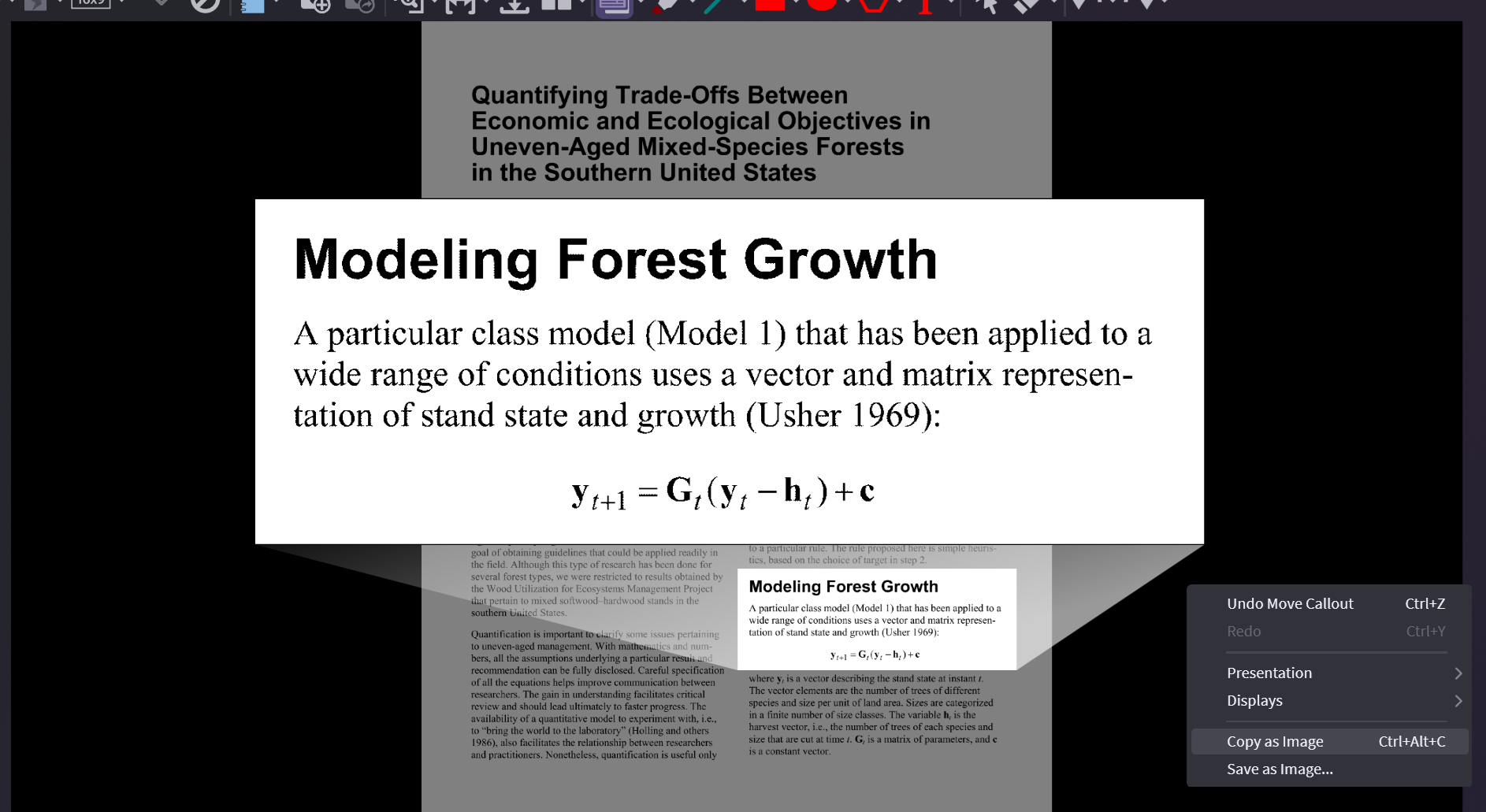
Paste into your program of choice. You don't have to save it first.
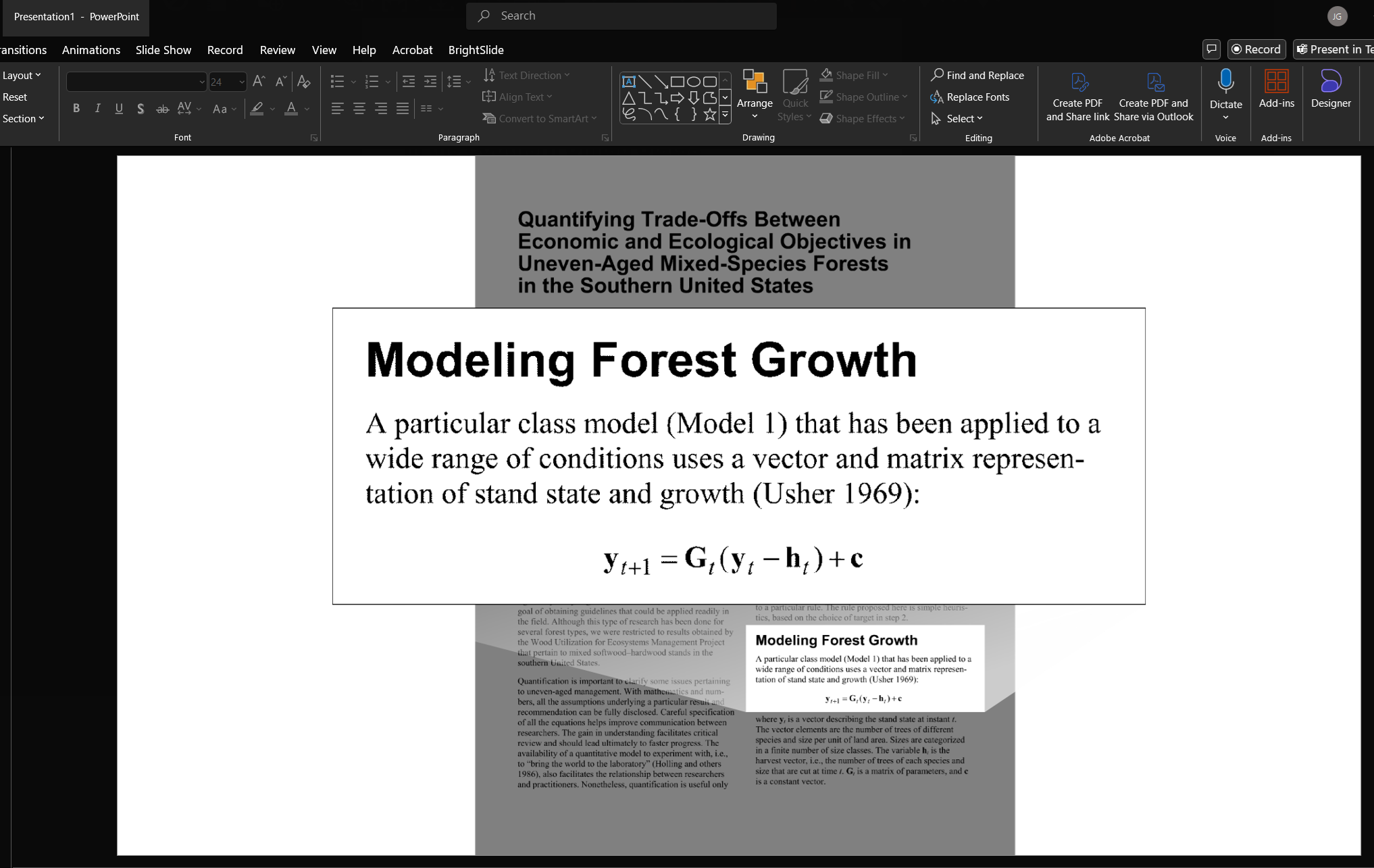
Only the image is copied and not the background.
Exporting Document Images
You can export document images one at a time or you can export an entire notebook.
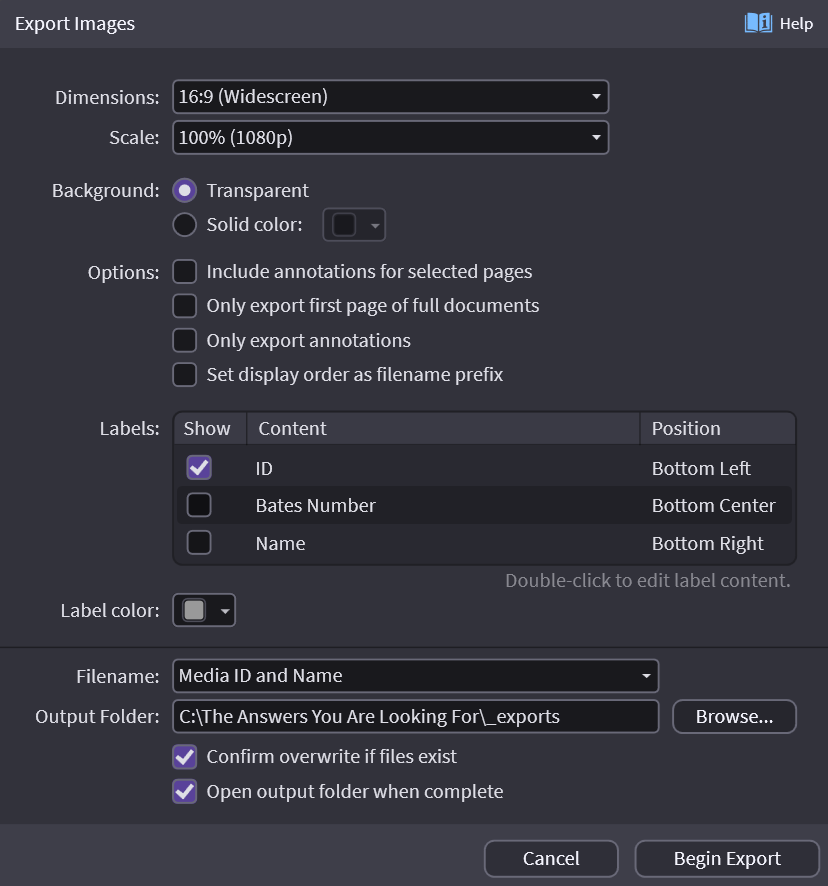
Right-click on a doc page or an annotation (treatment) or notebook and then select Export -> Export Images…
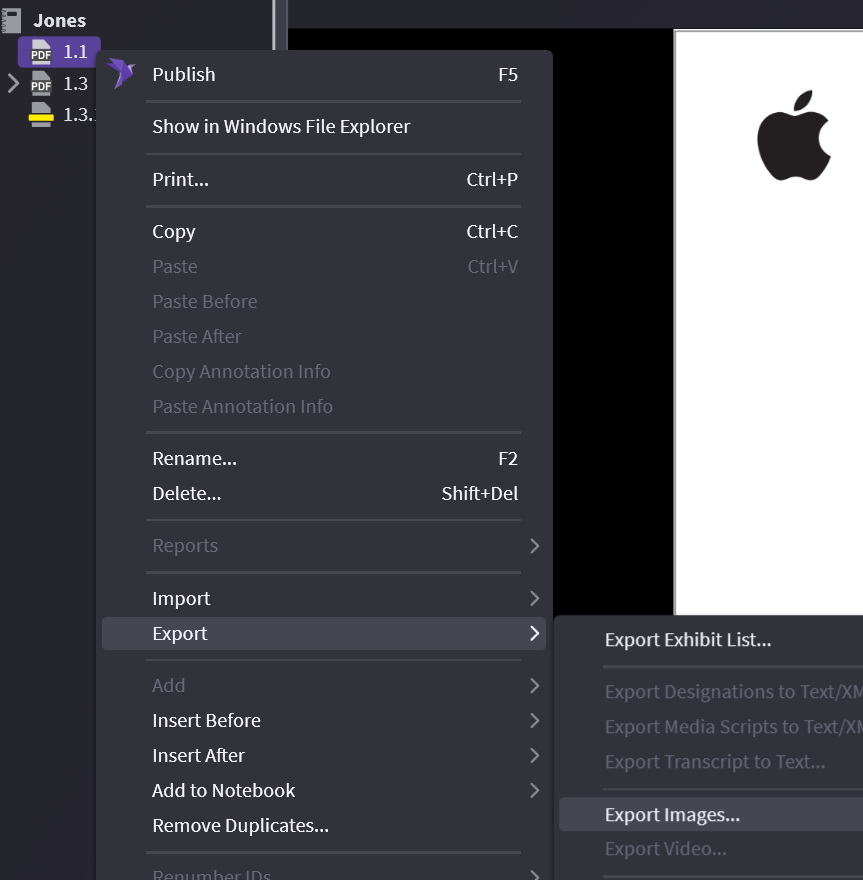
You have some options here:
- transparent background vs solid color background
- "annotations only" for all or only selected pages
- when choosing to export multiples, you can add a number in front of exports to show notebook order
Notebook with display order looks like below after export:

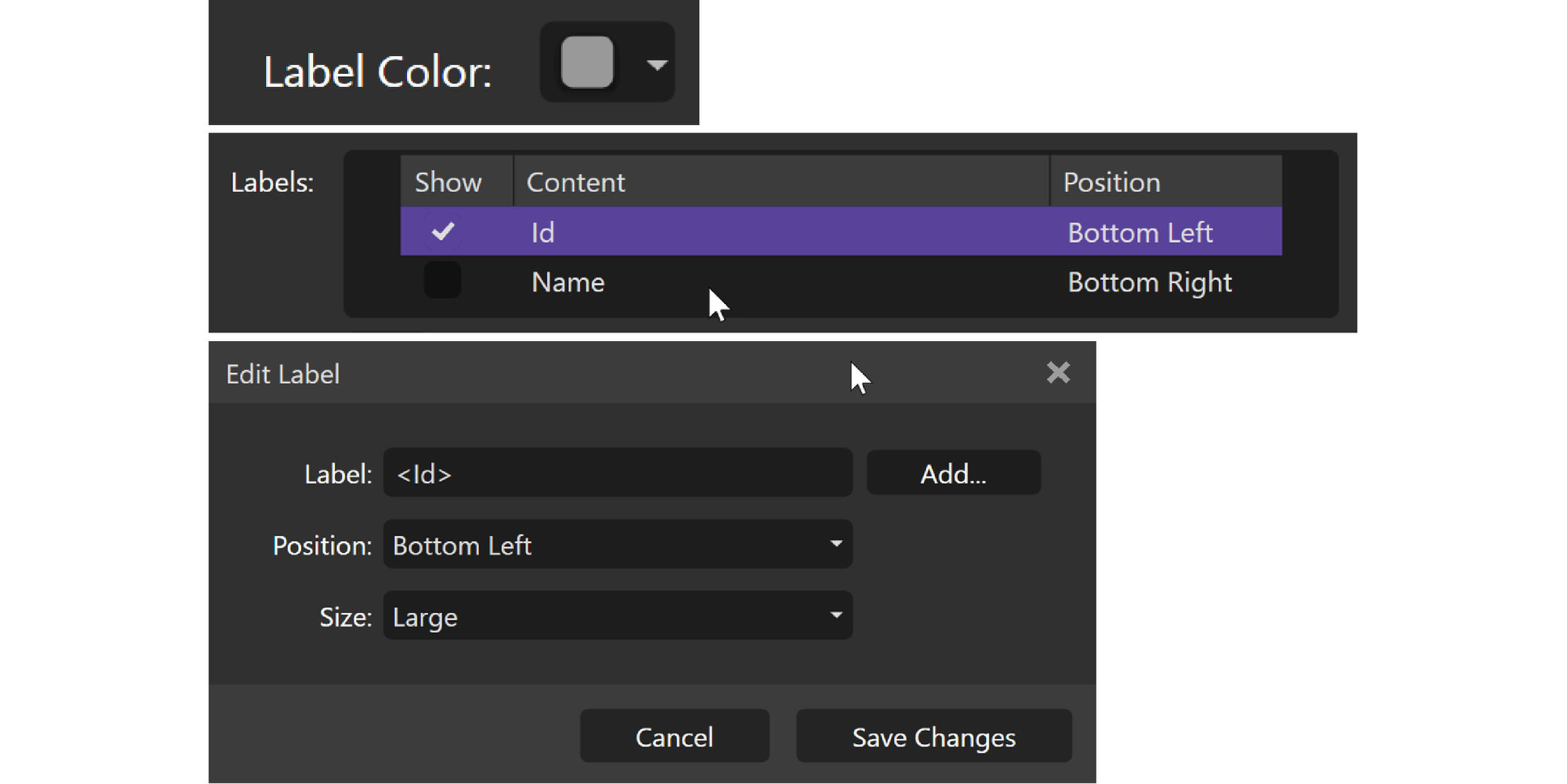
You can show labels on the exports and change the color of the text.
:::note Info Double-clicking on ID or Name in the Label Window brings up more options. :::
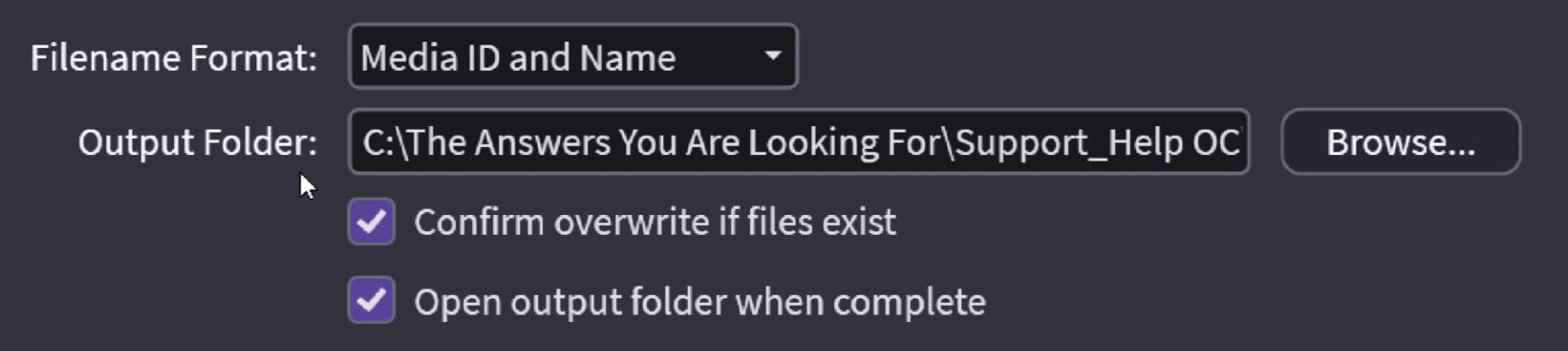
Choose your location and hit OK.
Single Image: