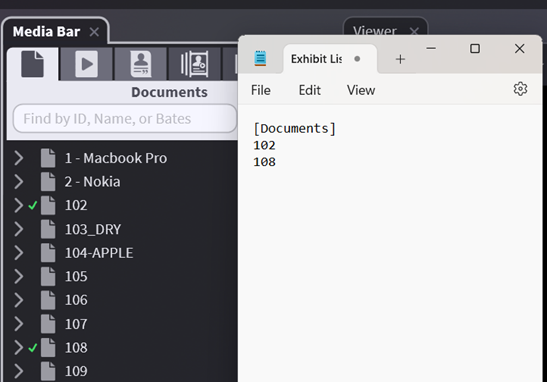
Exhibit List Export
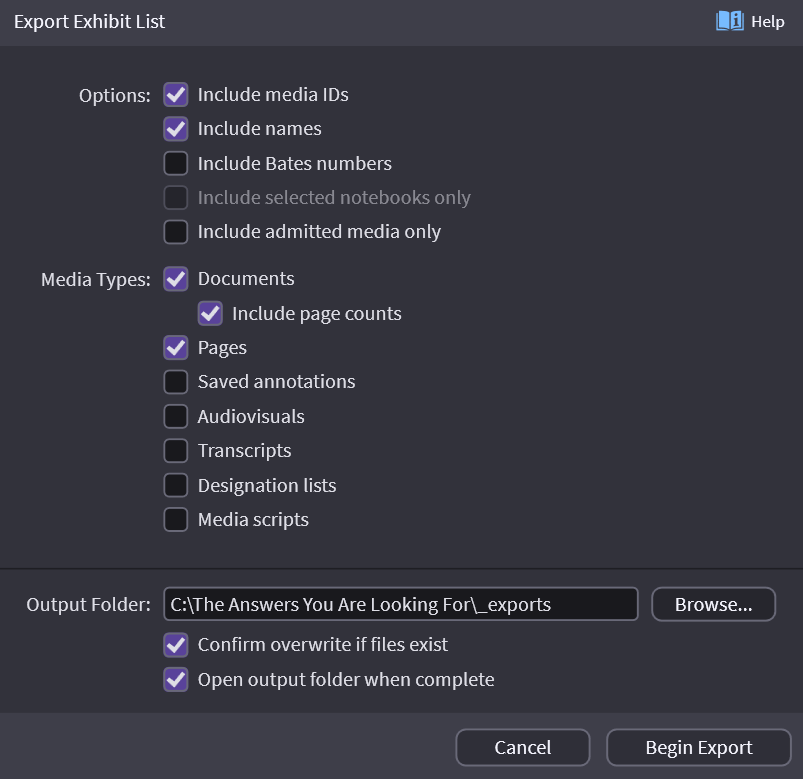
OnCue can create a text file of your exhibit list. You can include Documents, Audiovisuals and Transcripts, Admitted Exhibits or pick and choose. OnCue creates a simple tab-delimited text file that can be opened in any Excel or Word so you can edit or use as you need.
How to Export an Exhibit List
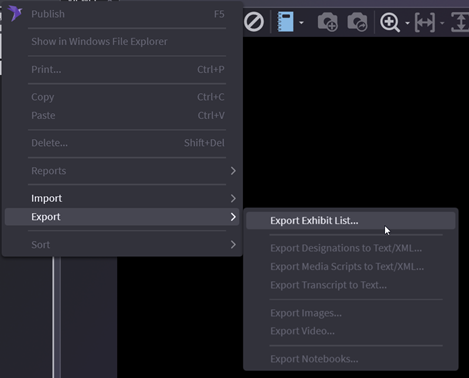
Right-click anywhere in the Documents tab and select Export/Exhibit List.
Examples
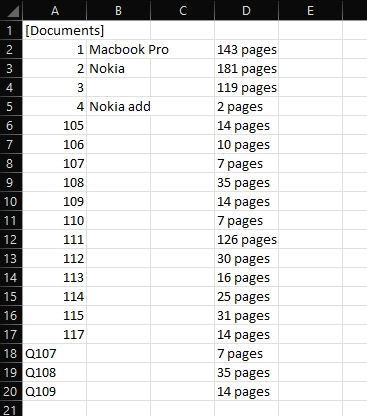
All screenshots below show how it looks with items checked.
Documents with page counts
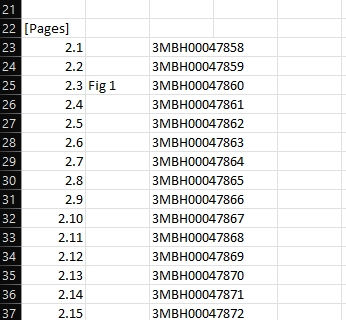
Pages with Bates
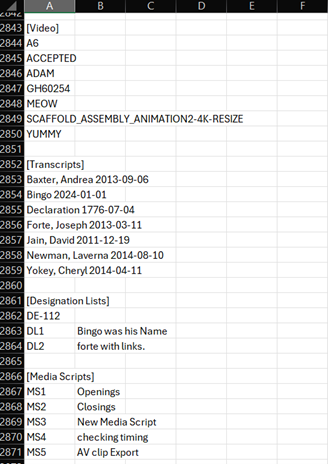
Video (non-depo), Transcripts, Designation Lists and Media Scripts
Admitted Media Only