Using the Sidebar to Build Work Product
The Sidebar is helpful in that provides the option to open a separate pane in OnCue to allow you to drag-and-drop media to build work product.
Opening the Sidebar
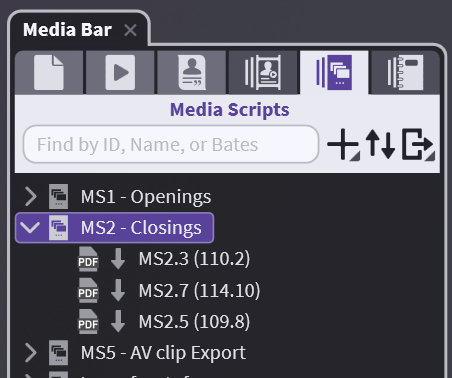
The last three tabs in the Media Bar are unique in that they are structured to help you organize the materials of your case outside of the Media Bar. These tabs are Designations, Media Scripts, and Notebooks.
Here we are looking at our Closing Media Script in the Media Bar but you will notice that you cannot drag anything directly to it from other sections.
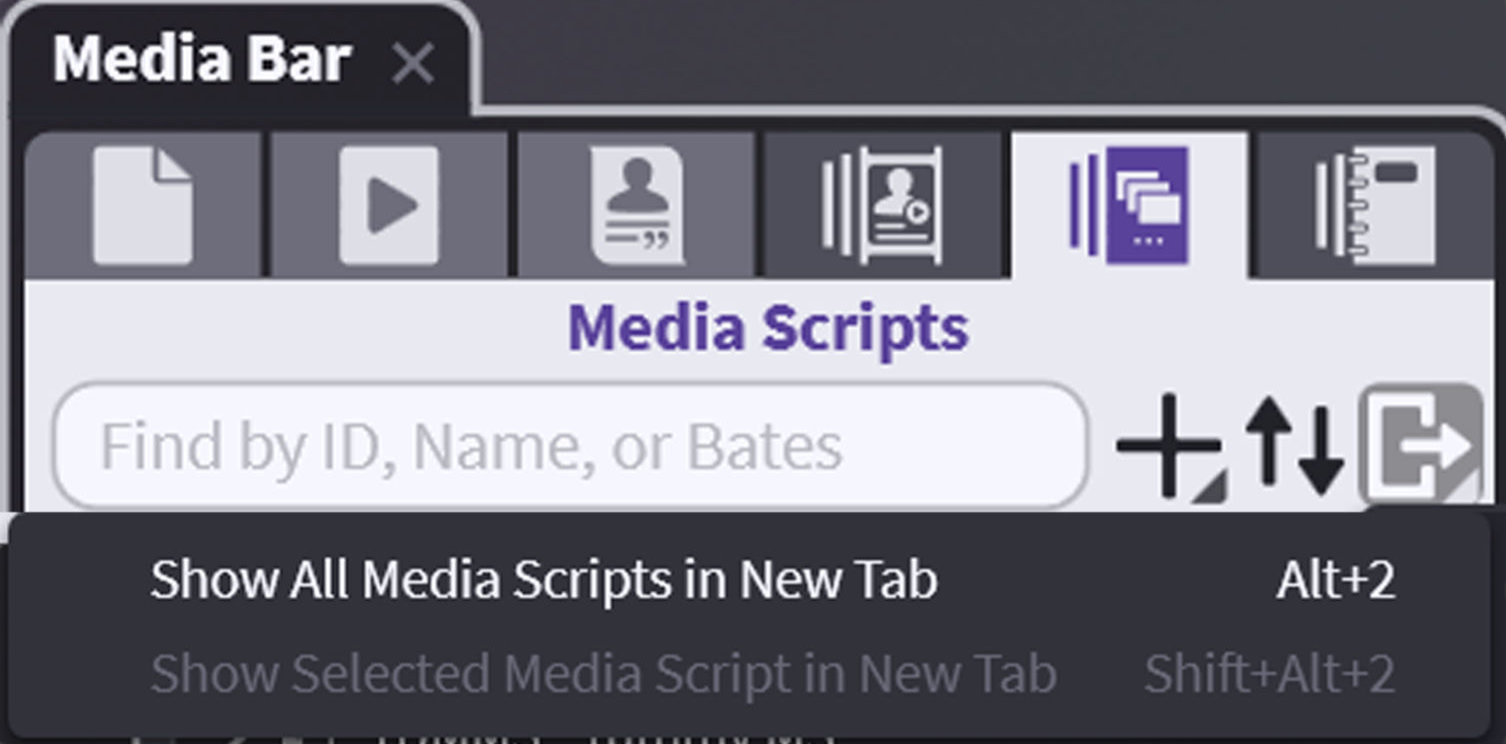
But these tabs also have an additional button on the far right that allows you launch a separate pane.
For example, with the Media Script selected, clicking on the Sidebar button will allow you to show the sequence in its own pane to the right - allowing anything from the case to be dropped in.
You can do this with any piece of Work Product, including Designation Lists and individual Notebooks.
Addtionally, whatever you have selected in the current Sidebar becomes the primary focus within the application. Double-clicking also allows you to launch just what you are working on to yet another pane.
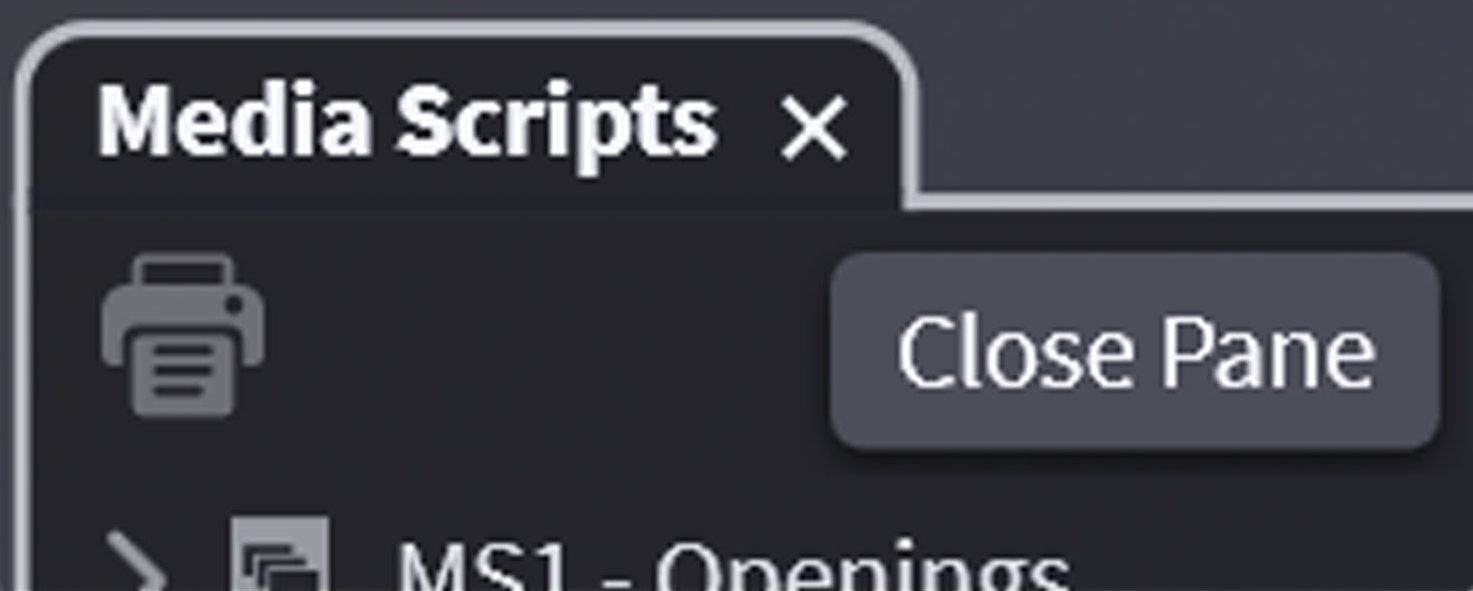
Once you are finished, simply close the pane.
You can do this with any piece of Work Product, including Designation Lists and individual Notebooks.
The point of the Sidebar is that whatever you are working on now becomes the primary focus on the program, and that focus can change in an instant.
Double-clicking also allows you to launch just what you are working on to a separate pane.