Welcome to OnCue
Welcome to OnCue – We are EXCITED you are here!!!
Thanks for becoming an OnCue User. If you are a new user and checking out our support site for the first time looking to get started, we recommend checking out the OnCue Basic Start Manual.
To Activate OnCue, download and install the program from our Downloads page. Make sure you have administrator privileges on the computer:
https://www.oncuetech.com/downloads
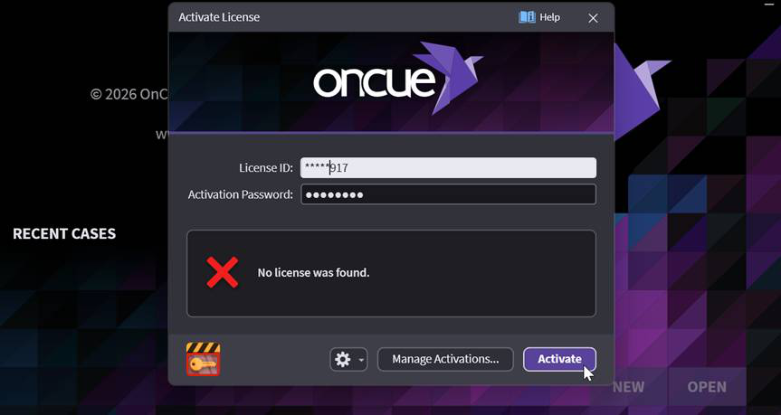
Enter your license ID and password and click Activate.
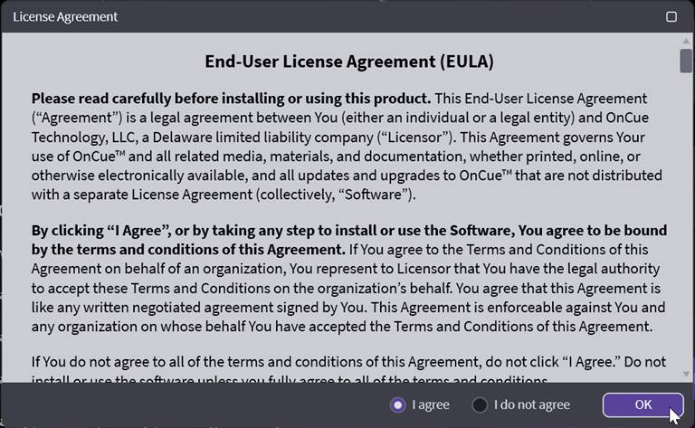
Read the End-User License Agreement and click I Agree and click OK.
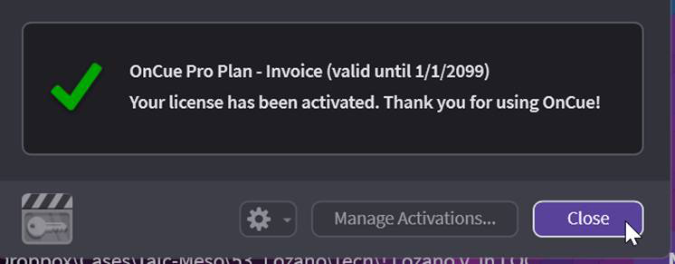
CLOSE and click NEW to get started.

OnCue has been a labor of love for a large team of people for a long time, and every single feature has a reason for being, with the goal of fixing real problems and making everyone who uses it faster and better.
If you can't find what you're looking for searching the site, never hesitate to send us a message, we pride ourselves in having a crazy response time with real trial techs who understand what you're
trying to accomplish, and the importance of doing it quickly.
Happy Hotseating!