HotKey Preferences
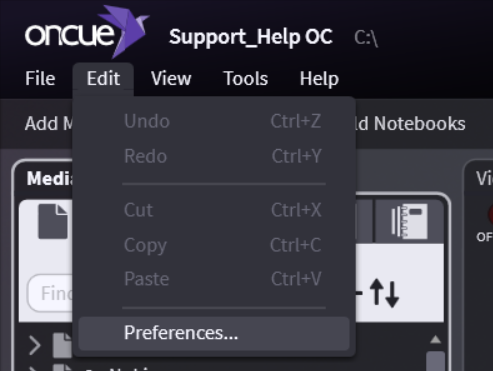
To access Preferences, go to Edit > Preferences in the top left corner of the program. Each section below shows a series of screenshots of OnCue's Preferences for your reference.
General
Media Bar
Presentation
Designations & Transcripts
Audio & Video
Files
Hotkeys
Case
Log
Hotkeys
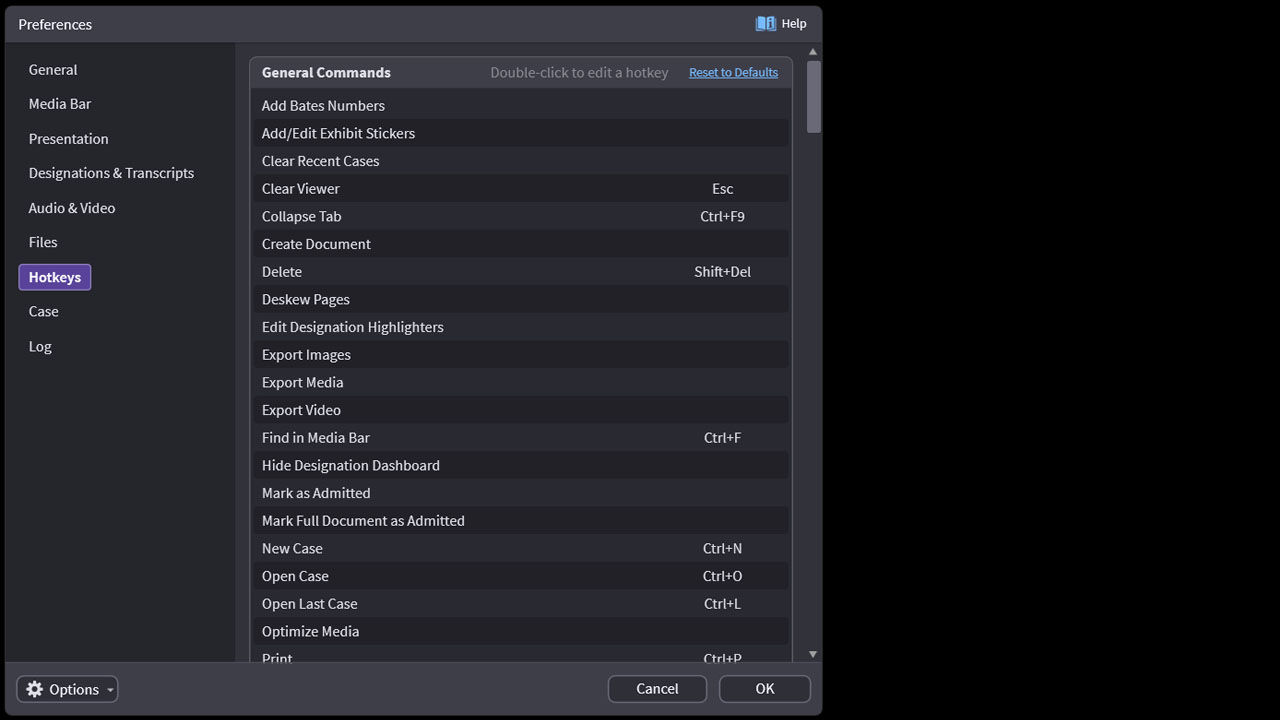
For a full list of the default OnCue hotkeys, please see our OnCue Hotkeys article.