Choose Your Displays
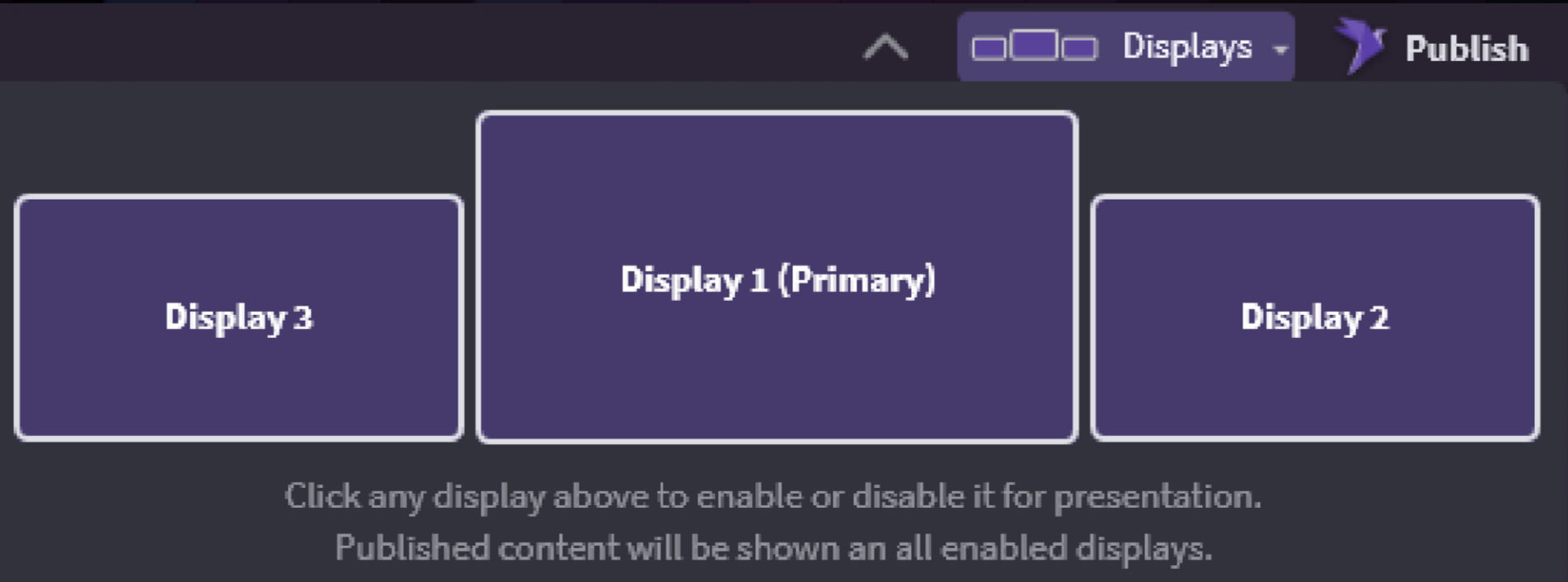
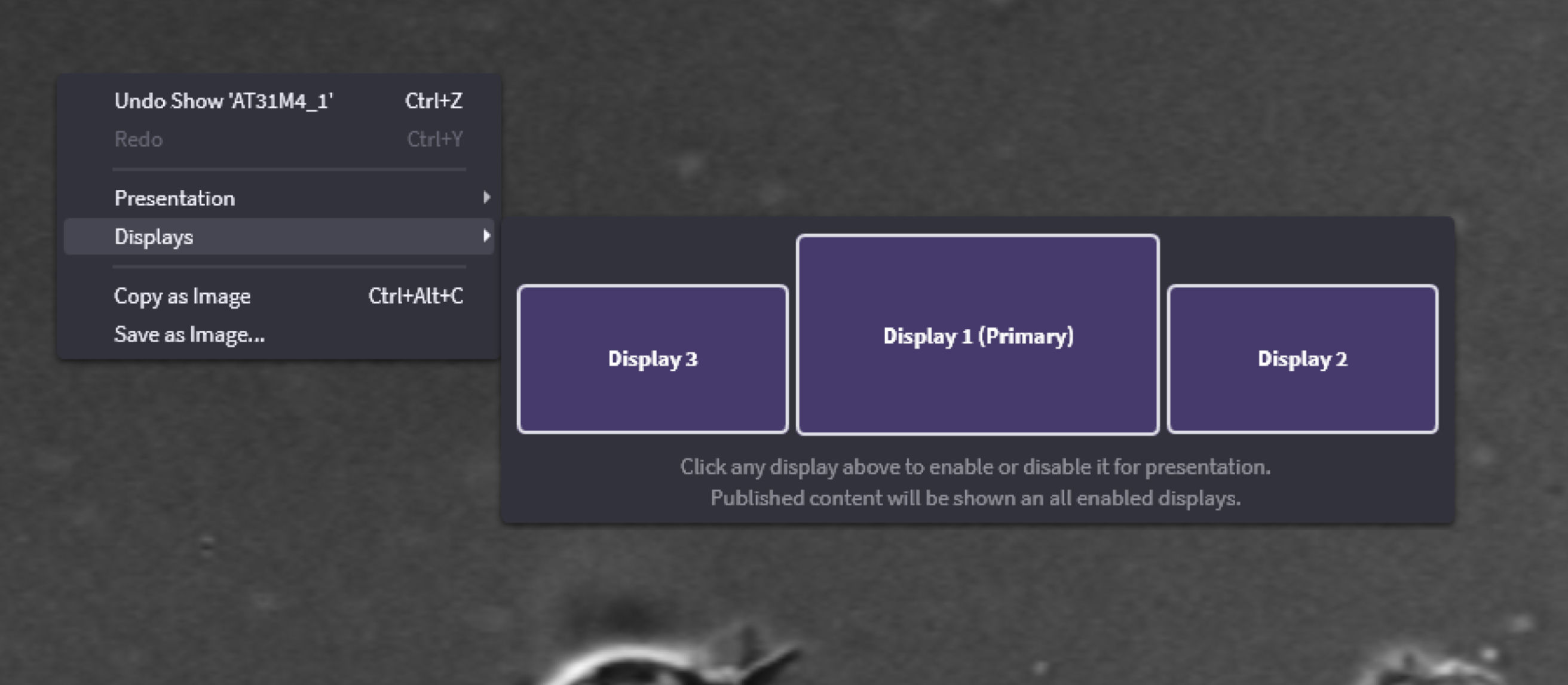
In OnCue, you can choose which monitor your Presentation shows up on. Just click on the displays, make sure they show purple and that is where the Presentation will go. You can even name them now but be careful, they cannot be reset only renamed.
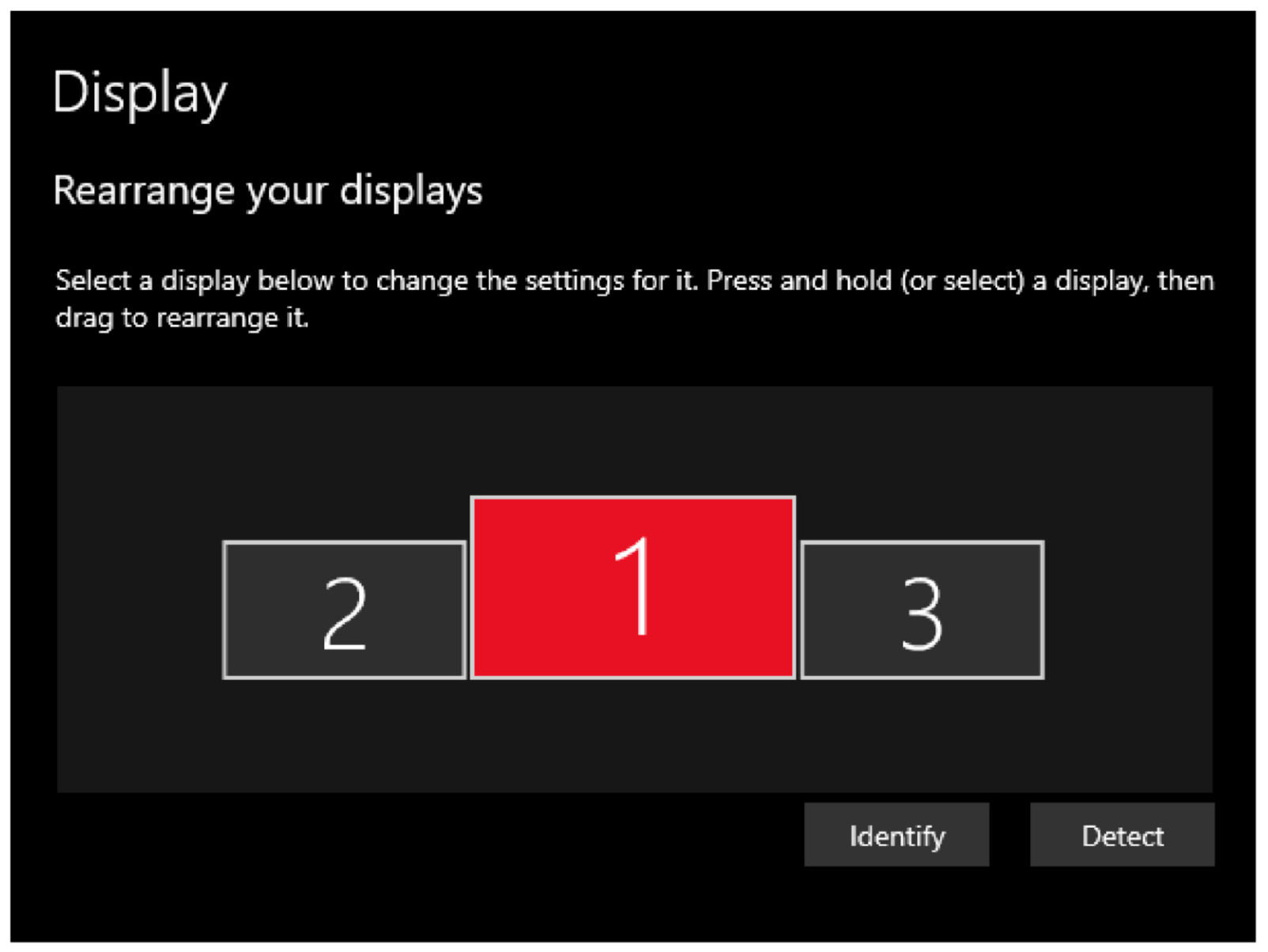
Make sure your machine is set to extended displays (Windows Key + P > Choose 'Extend' or Windows Settings > Displays > Multiple Displays drop down > 'Extend desktop to this display' while selecting a display other than your primary display).
Display Options
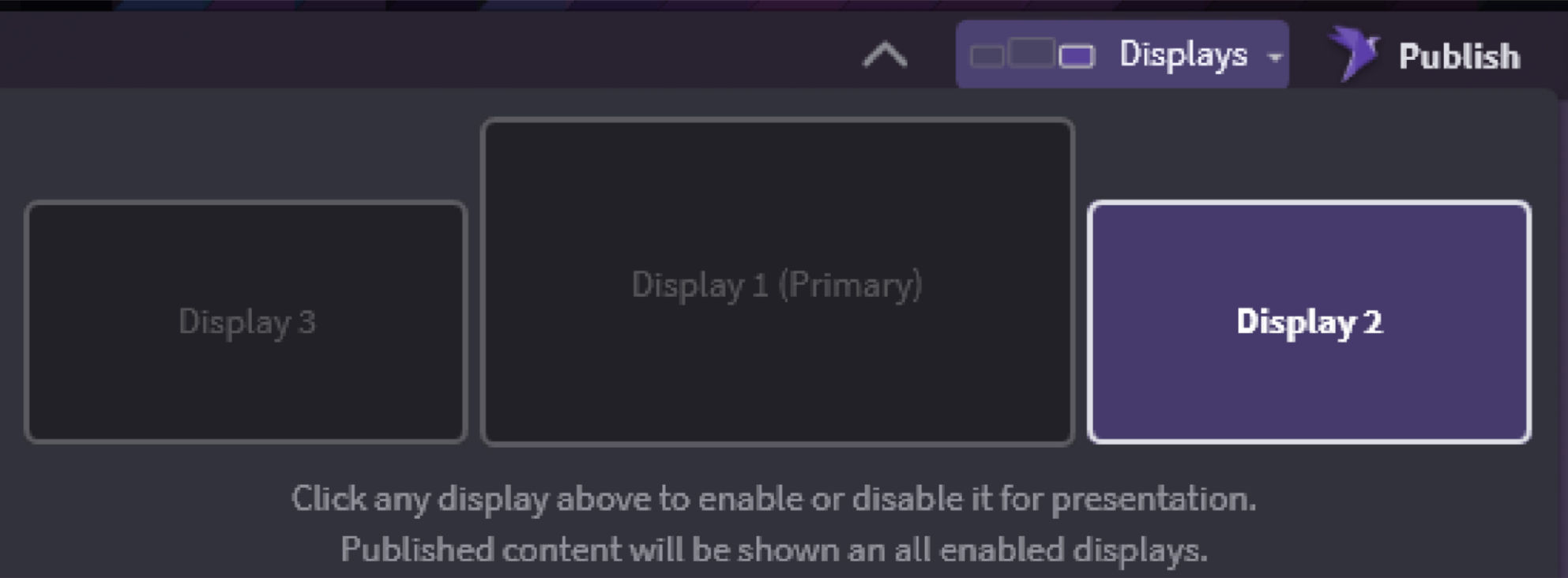
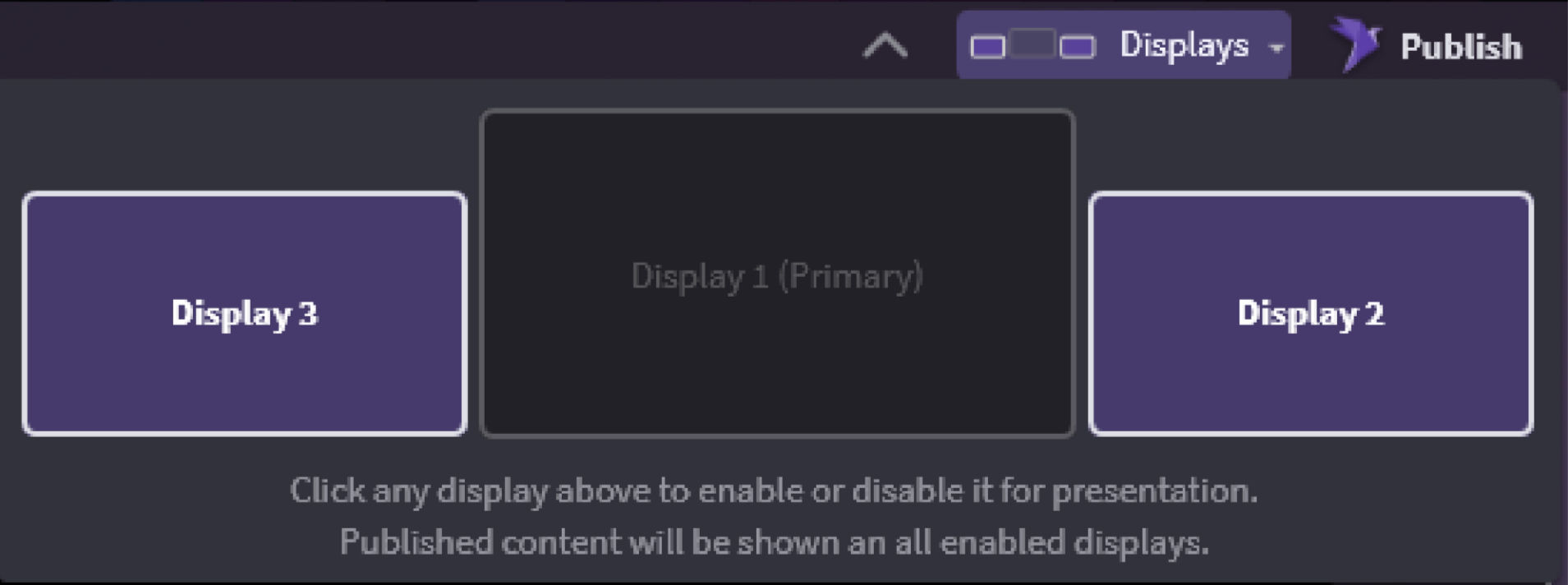
All Displays–No Instance of Production
Right-click on the viewer in the production screen and select the one you do not want showing presentation.
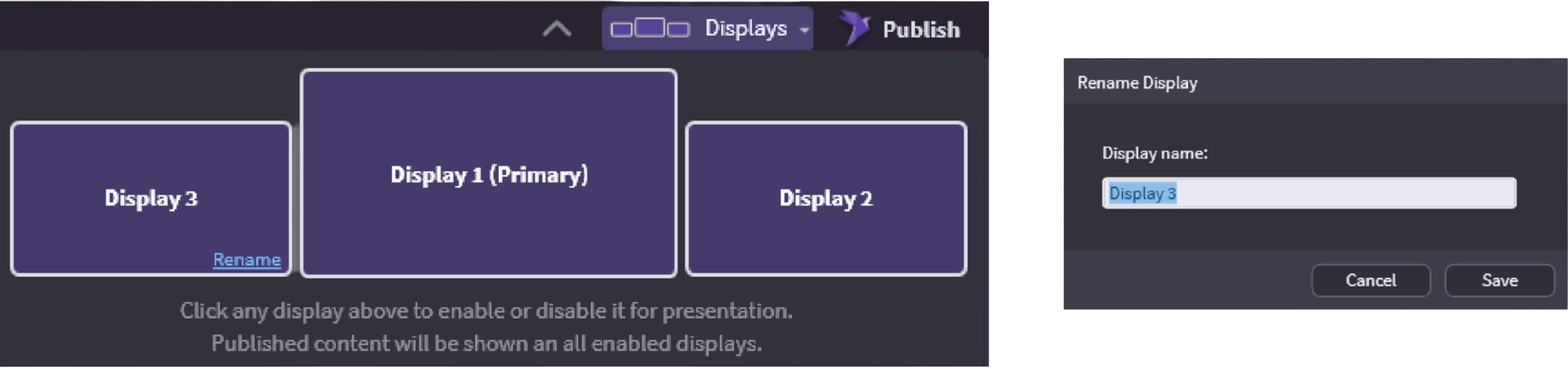
Displays can be renamed by hovering over the display and clicking the Rename hover link.
A Note About Windows Displays
Your Windows Display numbers may not always match your OnCue display numbers, but it knows the configuration and which monitor is your primary display.