Customize your Toolbars – Viewer
You can customize your toolbars dictating the size of your icons and what types of tools are visible. This is done separately for the Viewer toolbar and the Presentation Toolbar. The two toolbars are not tied together and can be customized differently.
Setup
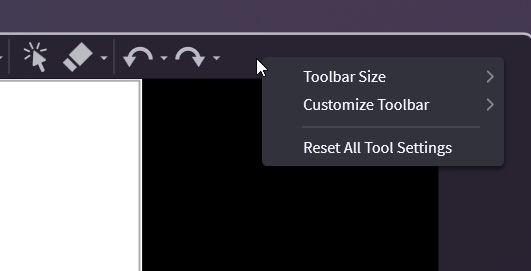
For all toolbars, start by right-clicking on the toolbar.
Tip
Check out our similar article Customize Your Toolbars - Presentation for the Presentation toolbar.
Change the Size of Icons
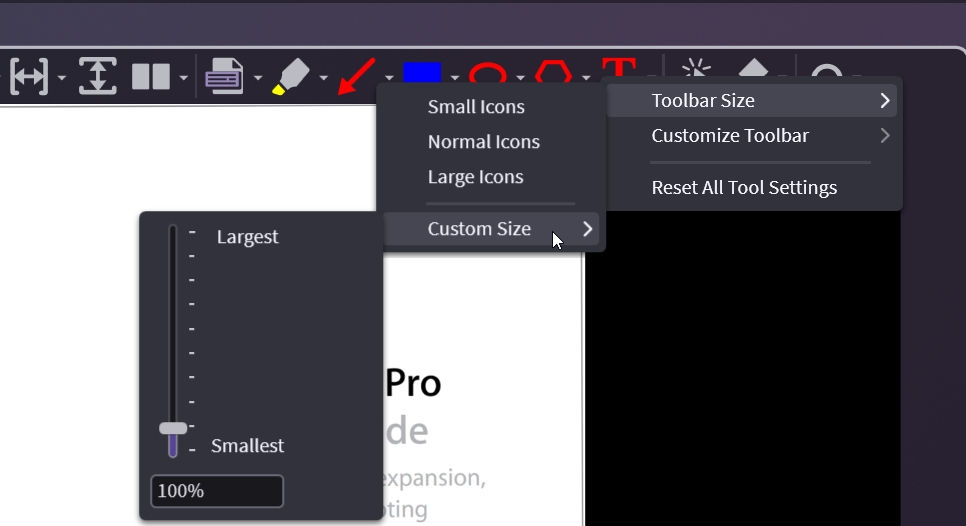
Right-click on the top of the toolbar in the viewer and choose Toolbar Size. This will change the size of ALL the toolbars in the program.
Change the Tools You See
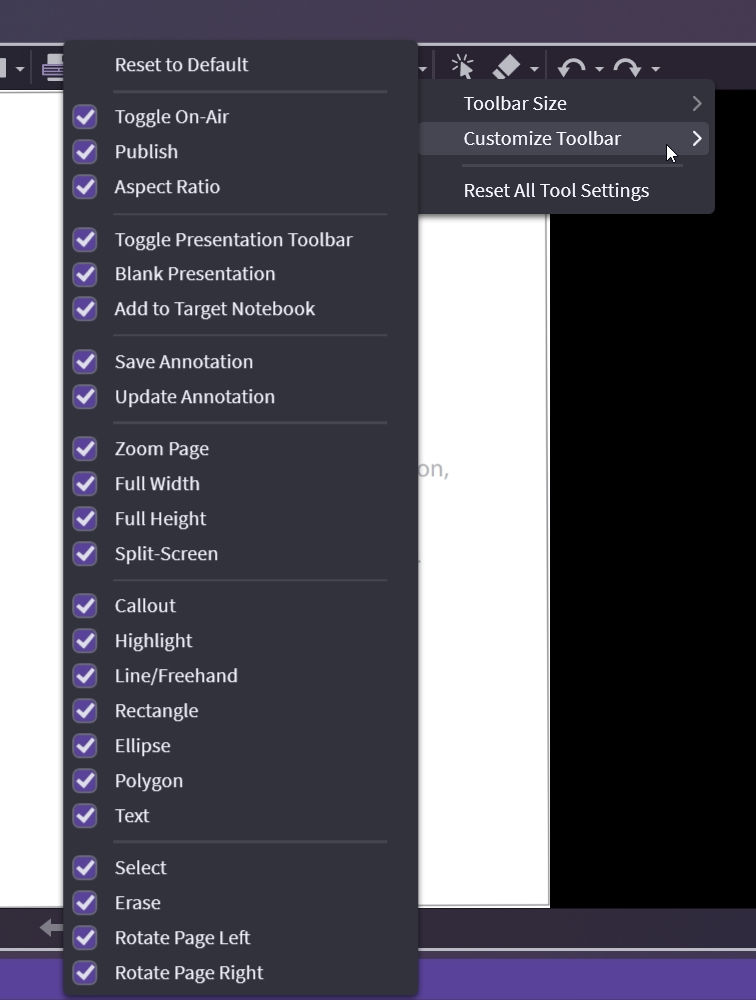
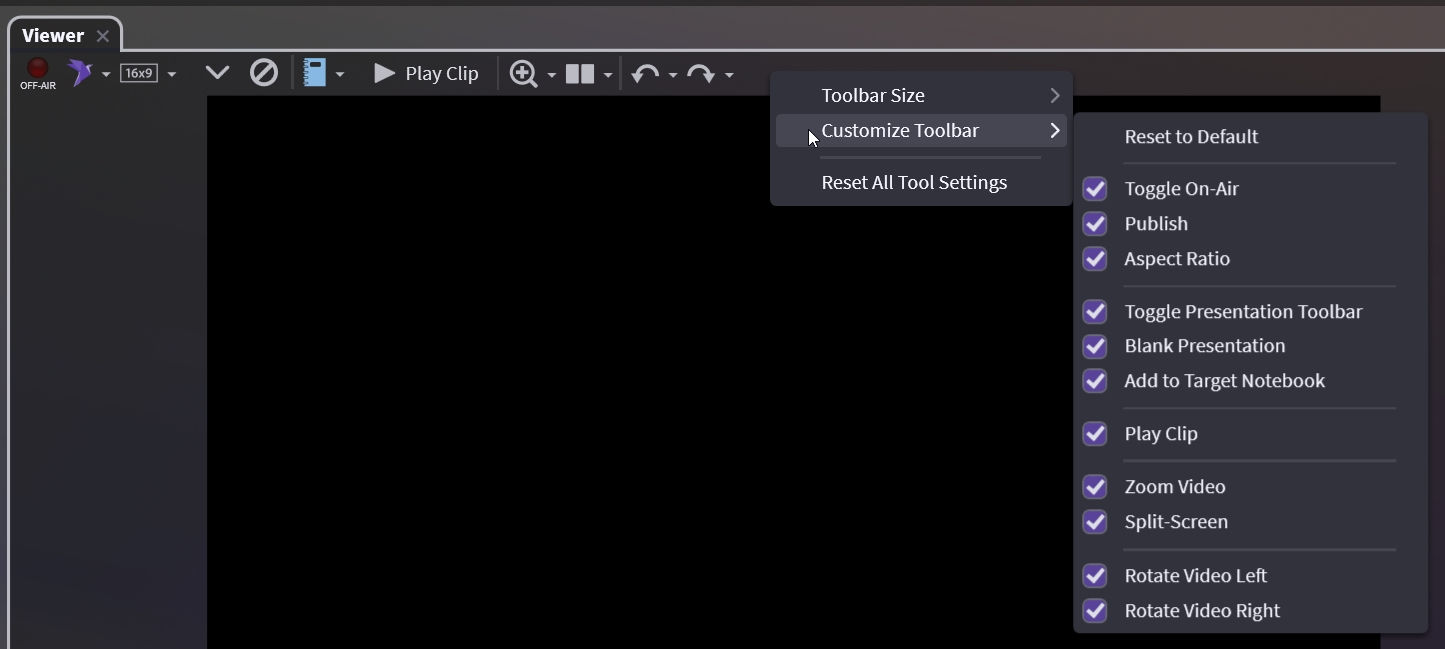
Right-click on the top of the toolbar in the viewer and choose Customize Toolbar. Remember the toolbar is different for documents and audiovisuals.