Undo – Redo – Presentation Only
Can I undo a callout or highlight?
Did you just make a bunch of annotations on a page and then moved on, but your attorney wants you to go back to that exact page with annotations?
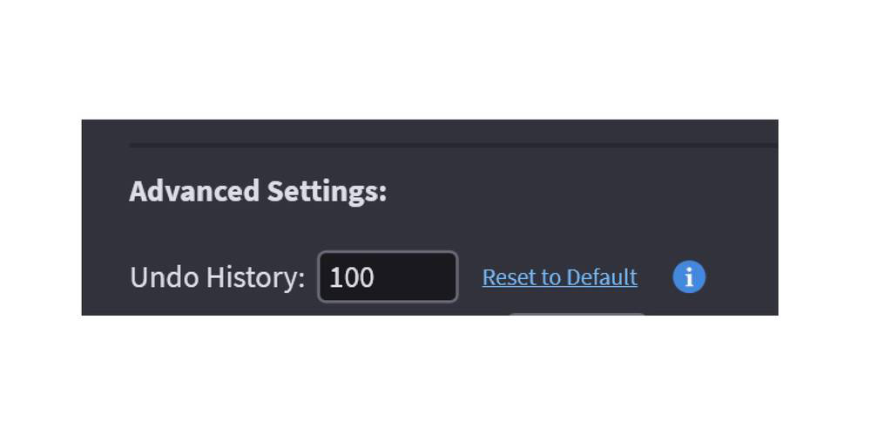
You can undo (CTRL + Z) and redo (CTRL + Y) in presentation mode. This will step you back through your presentation timeline including annotations that you did but didn’t save. It will go back 100 steps by default.
Need more?
Go to Edit > Preferences > Presentation and make sure Show Advanced Options is checked. It does eat up memory, so be careful what you set it for.
NOTE: UNDO and REDO only work in Presentation or the Viewer with annotations. You cannot undo a delete.